

Twitch
Add a Twitch stream or clip to feature live content or gaming.
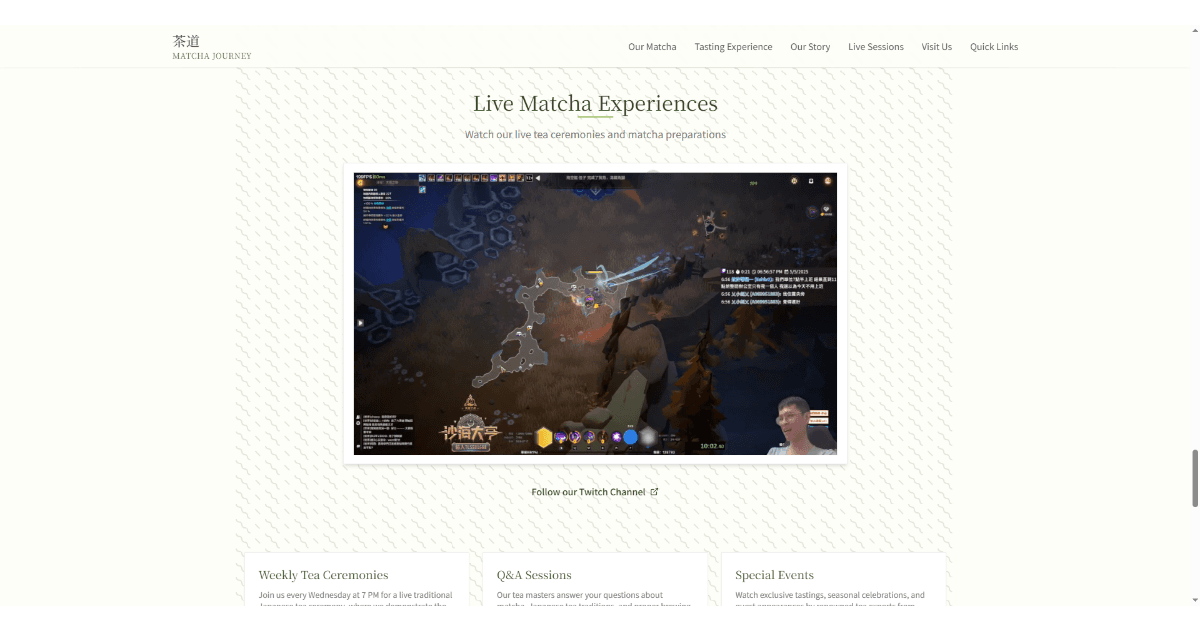
Twitch Live Streaming | HeyBoss
Embed Twitch streams on your no-code AI website with HeyBoss. Feature live gaming, podcasts, or events effortlessly—no coding required.
Bring Your Twitch Streams to Life on Your Website
Turn your HeyBoss-built website into a dynamic hub for your Twitch content. Whether you're a gamer, streamer, or content creator, our AI website builder lets you embed live streams, clips, or past broadcasts seamlessly—no coding needed. Engage your audience 24/7 with auto-updating Twitch integrations that work flawlessly on any device.
Benefits
- Boost engagement – Keep visitors hooked with live or featured Twitch content directly on your site.
- Zero tech skills required – Embed streams in minutes using our drag-and-drop no-code editor.
- Mobile-ready – Streams adapt perfectly to all screens, so your audience never misses a moment.
FAQ
How do I add Twitch to my HeyBoss website?
Just paste your Twitch link into the integration widget—HeyBoss auto-generates an embed code.
Can I customize how my Twitch stream appears?
Yes! Resize, autoplay, or mute streams and choose between live feeds or highlights.
Will my Twitch stream work on mobile?
Absolutely. HeyBoss ensures your embedded streams load fast and look great on any device.
Tags
Twitch website, AI website builder, no-code tools, embed Twitch, websites for streamers, gaming content
More Integrations





Ready to Enhance Your Workflow?
Explore dozens of integrations or start building your next project with Heyboss today.