

Content Protection (block downloads)
This app blocks right-click, copy, and keyboard shortcuts (like Ctrl+C/V) to help prevent unauthorized sharing of your text, images, or media. You can customize the warning message, button styles, and close behavior—keeping your site professional and secure.
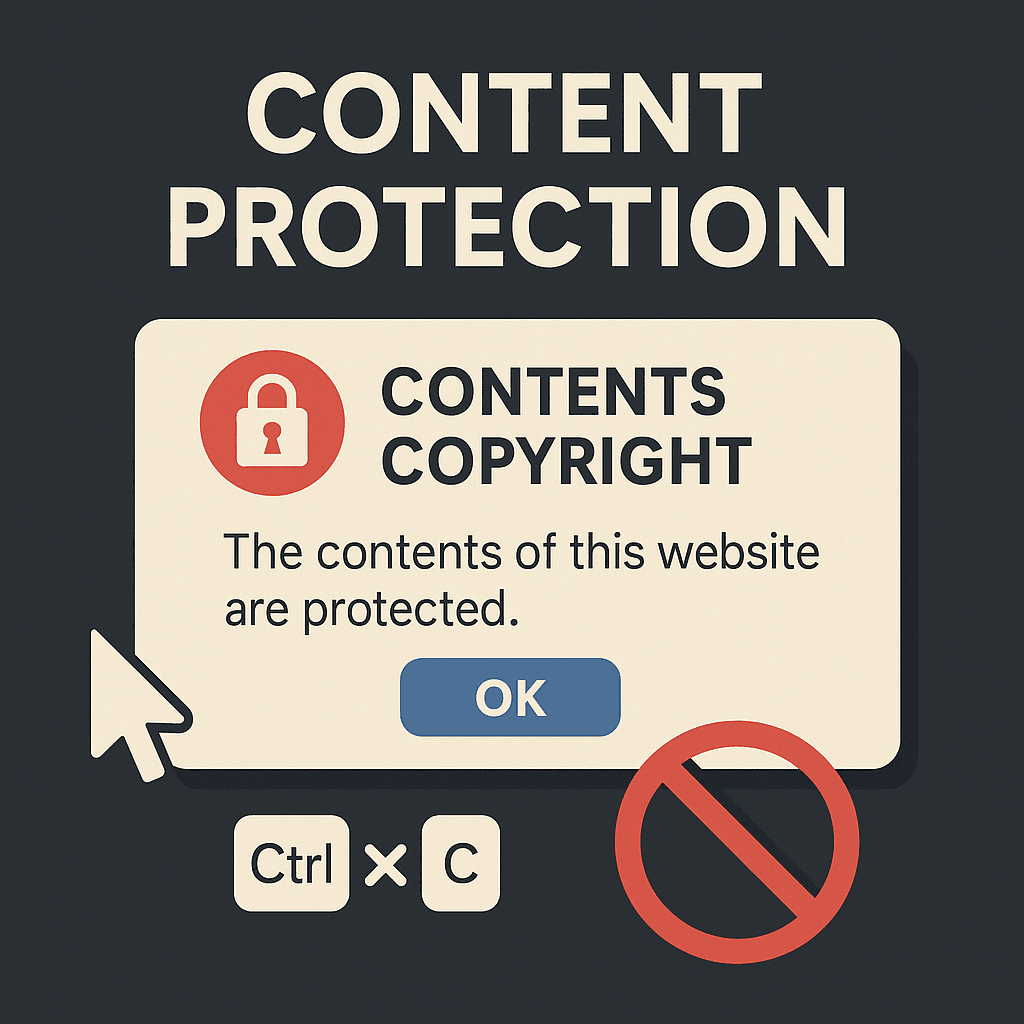
Content Protection for Your Website | HeyBoss
Secure your website content with no-code AI protection. Block downloads, right-click, and copy-paste to prevent unauthorized sharing—effortlessly with HeyBoss.
Protect Your Content with a No-Code AI Website Builder
Tired of people stealing your hard work? HeyBoss makes it easy to safeguard your website’s text, images, and media with built-in content protection. Our AI website builder lets you block right-click, copy-paste, and keyboard shortcuts—no coding required. Keep your site professional and secure while maintaining full control over customization.
Benefits
- Stop unauthorized sharing – Block downloads, right-click, and copy-paste with one click.
- Customizable warnings – Set your own alert messages and button styles to match your brand.
- No technical skills needed – Secure your no-code website in seconds—no plugins or coding.
FAQ
Can I customize the protection warning?
Yes! Adjust the message, button style, and close behavior to fit your site’s look.
Will this slow down my website?
No—HeyBoss’s lightweight protection runs smoothly without affecting performance.
Does it work on mobile?
Absolutely. Content protection is fully responsive and works on all devices.
Tags
content protection website, AI website builder, no-code security, block website downloads, secure content
More Integrations




Ready to Enhance Your Workflow?
Explore dozens of integrations or start building your next project with Heyboss today.